Your editing skill and the scenery within reach decide which of these save the date videos is yours, since the list runs from a rowboat on a pond to a plain white studio pose, with a car hood in autumn leaves, a tailgate, wildflowers, a beach sunset and a newspaper prop in between.
Nearly all of them cost nothing beyond a free browser editor like VEED or FlexClip, so effort matters more than money here.
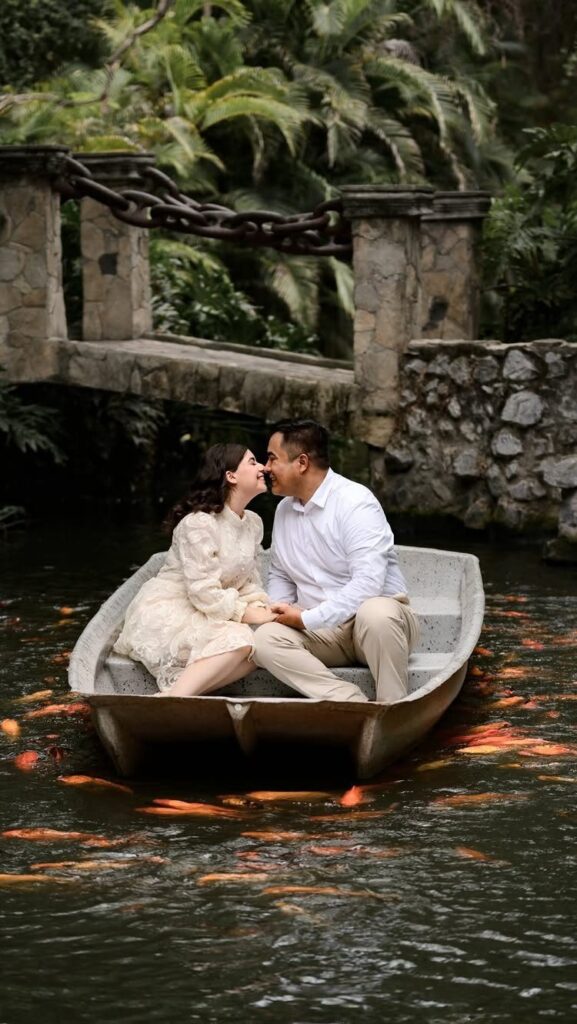
1. Rowboat on a Pond
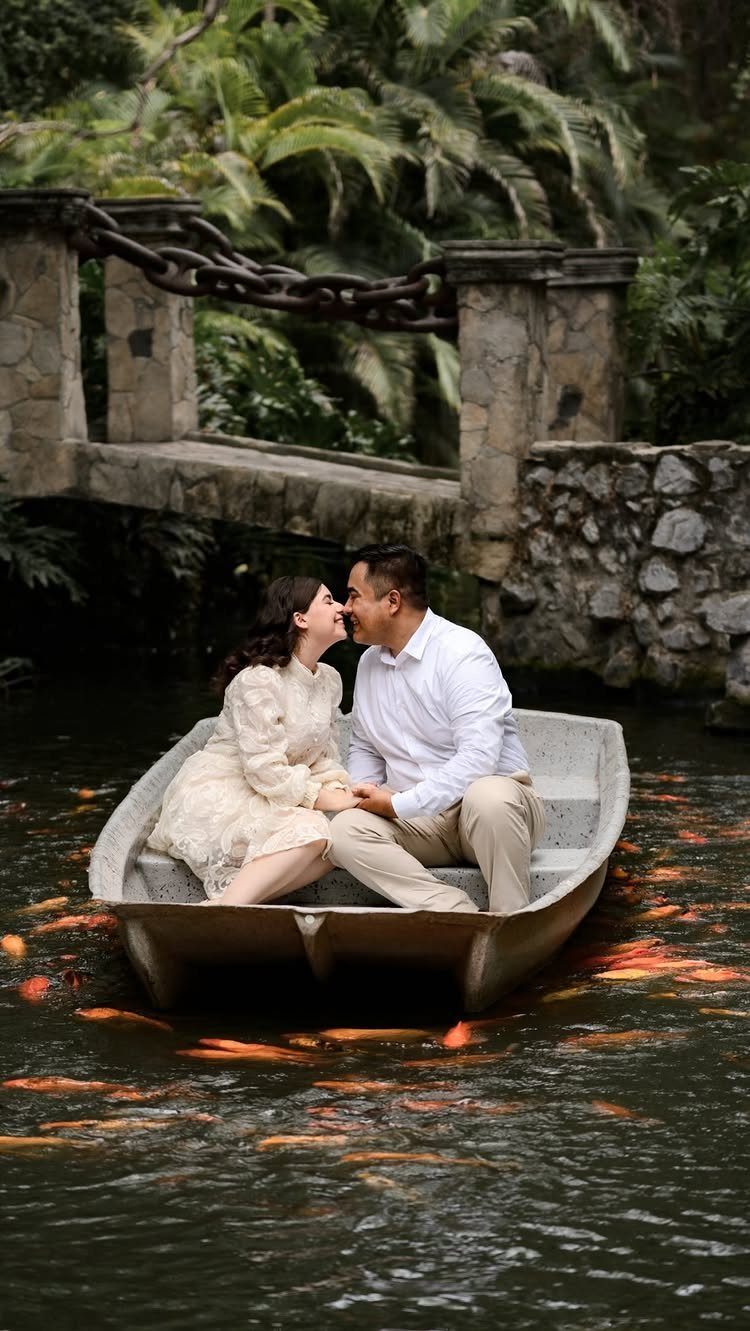
A rowboat turns a save the date video into a slow, quiet scene, and that suits anyone who lacks editing skills.
A boat that barely moves gives you a steady shot, so a phone on a tripod on the bank can do the work.
White clothing against green water keeps the frame calm. I would film a single long take and lay the date over it as simple text, rather than cutting between clips.
2. Car Hood in Autumn Foliage
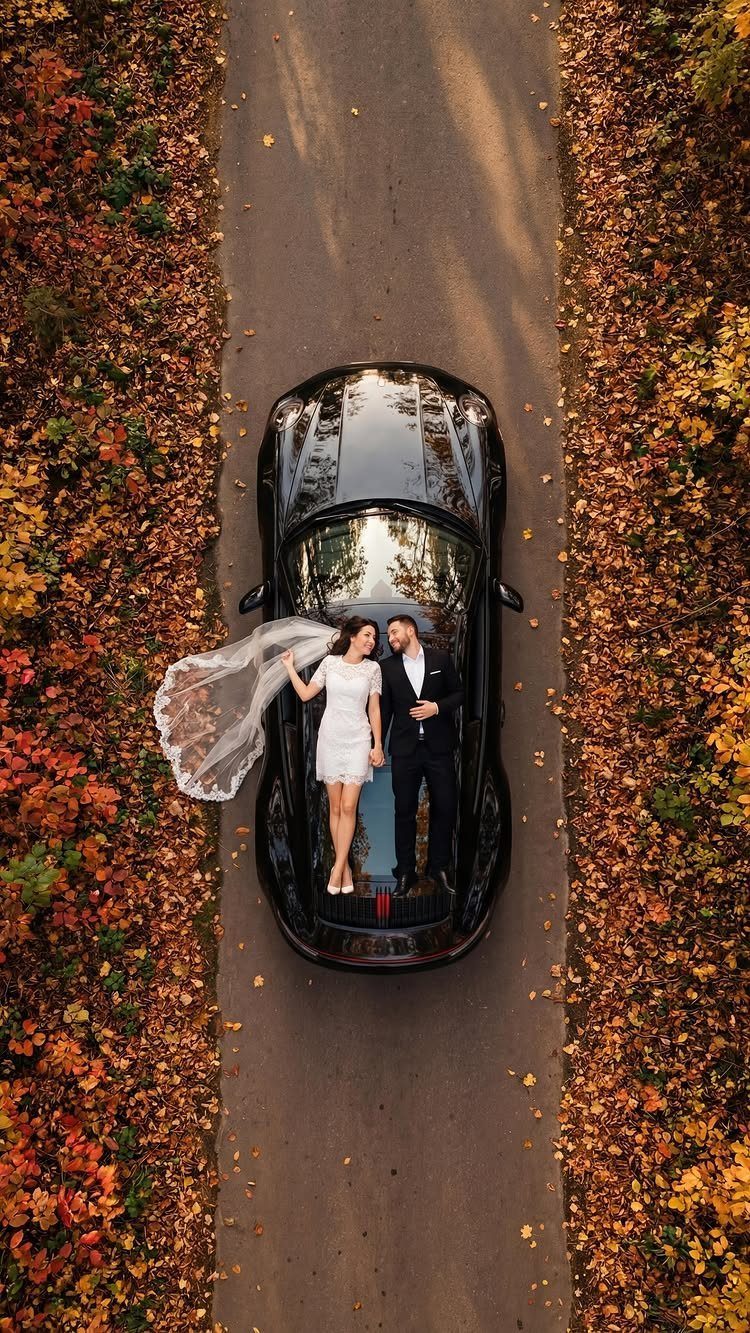
Standing on a car hood gives you height and a built-in stage.
Check with the car’s owner before anyone steps on the hood, and wear soft-soled shoes. If you would rather skip that risk, standing beside the car gets you nearly the same frame.
3. Pickup Truck Tailgate Scene
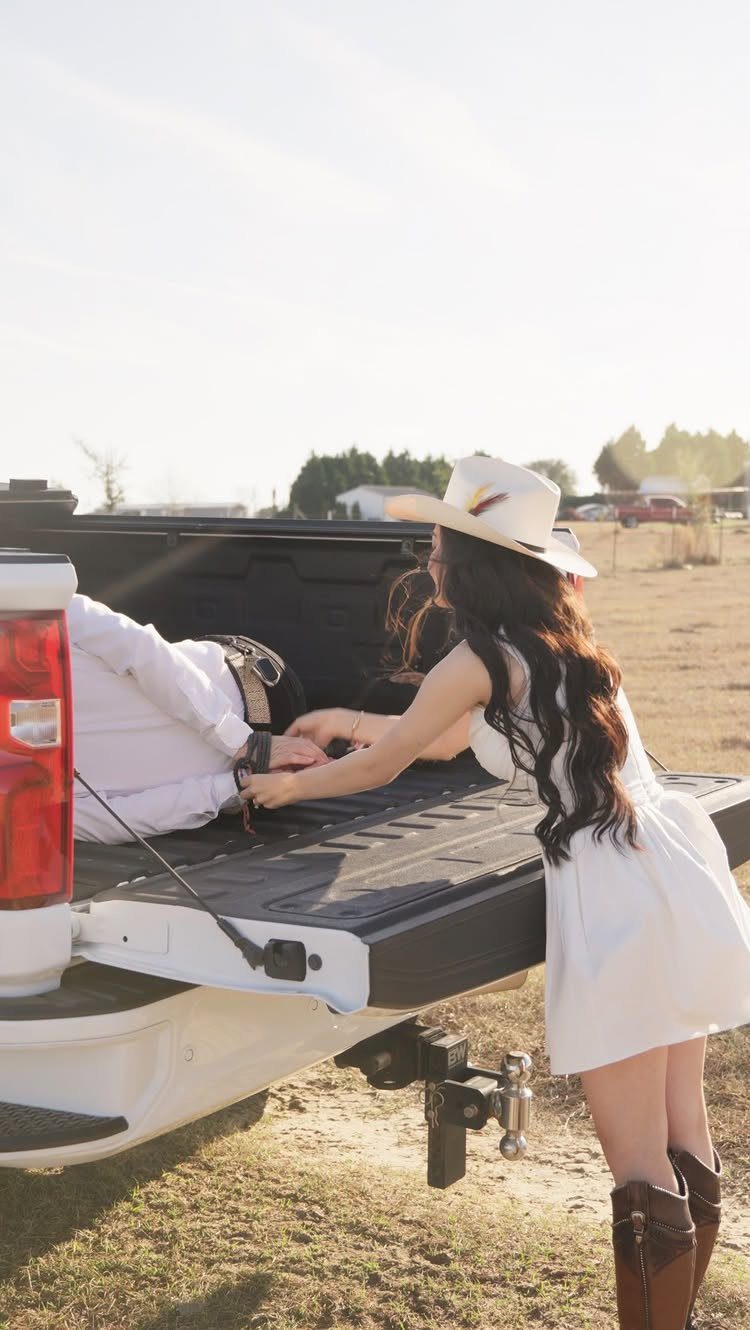
A tailgate is a free set, and a pickup parked in a field costs nothing to stage.
One of you can stand beside the truck while the other sits in the bed, which gives the video a natural reach-and-react moment to loop.
I like this for couples with a country streak and a tight budget. Add a cowboy hat if it sounds like you, but skip it if it doesn’t.
4. Lying Head-to-head in Wildflowers
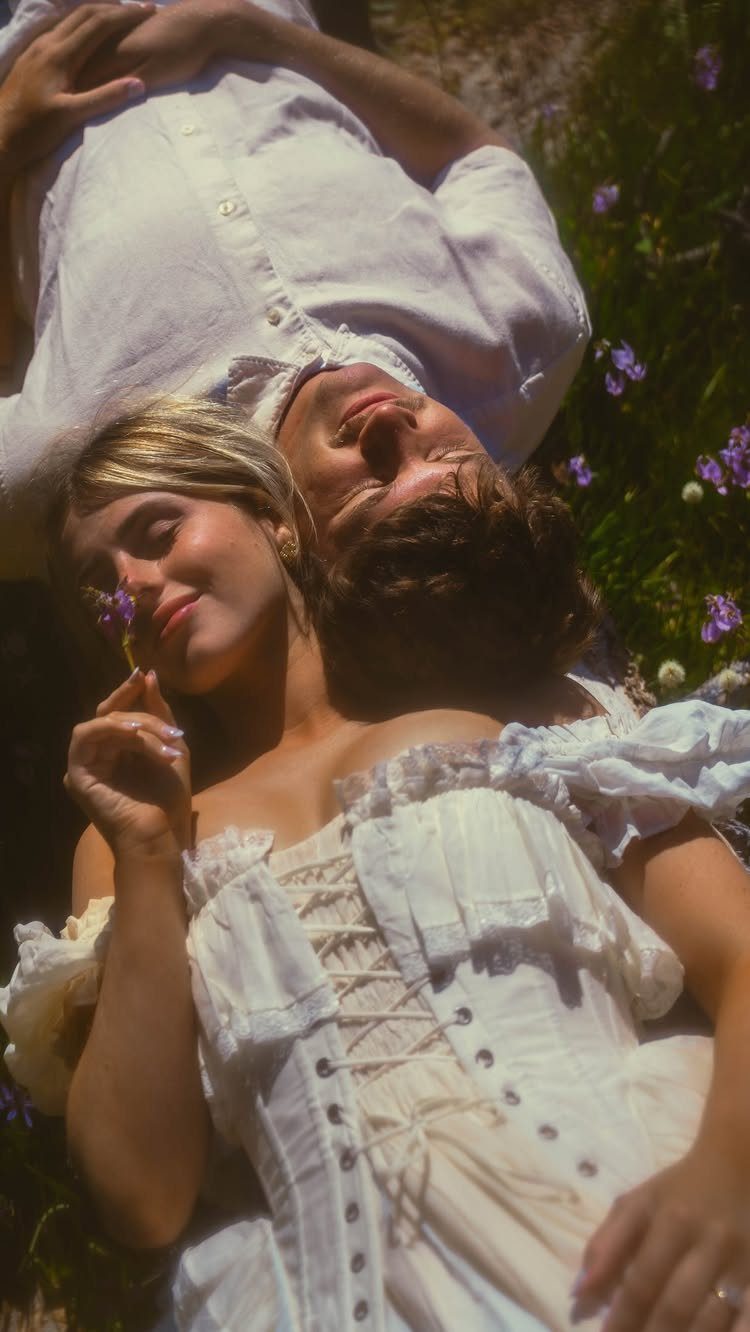
Lying head-to-head in a field is easy to film because nobody has to act. Set the phone on the ground or hold it directly overhead, then let the two of you talk, laugh and shift a little.
Warm, low sunlight flatters everyone, so I would pick the hour near sunset. Matching light-colored clothes keep the focus on faces and flowers, with the date fading in at the end.
5. Romantic Beach Sunset Shoot
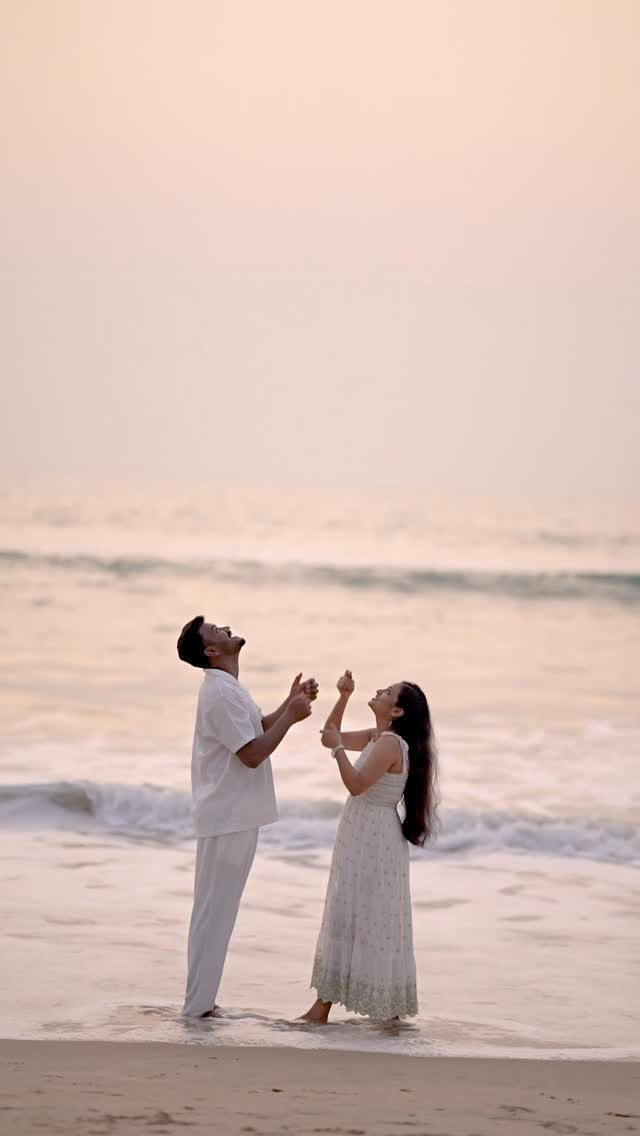
Looking up at the sky instead of at the lens is what makes a beach clip feel candid, and it spares anyone who hates staring at a camera.
Stand close, tilt your heads back, and let the waves and the fading light do the work.
Sunset is the one time slot I would protect, since you get only a short window. Arrive early, test the framing, and film several takes so you can pick the best.
6. Minimalist White Studio Pose
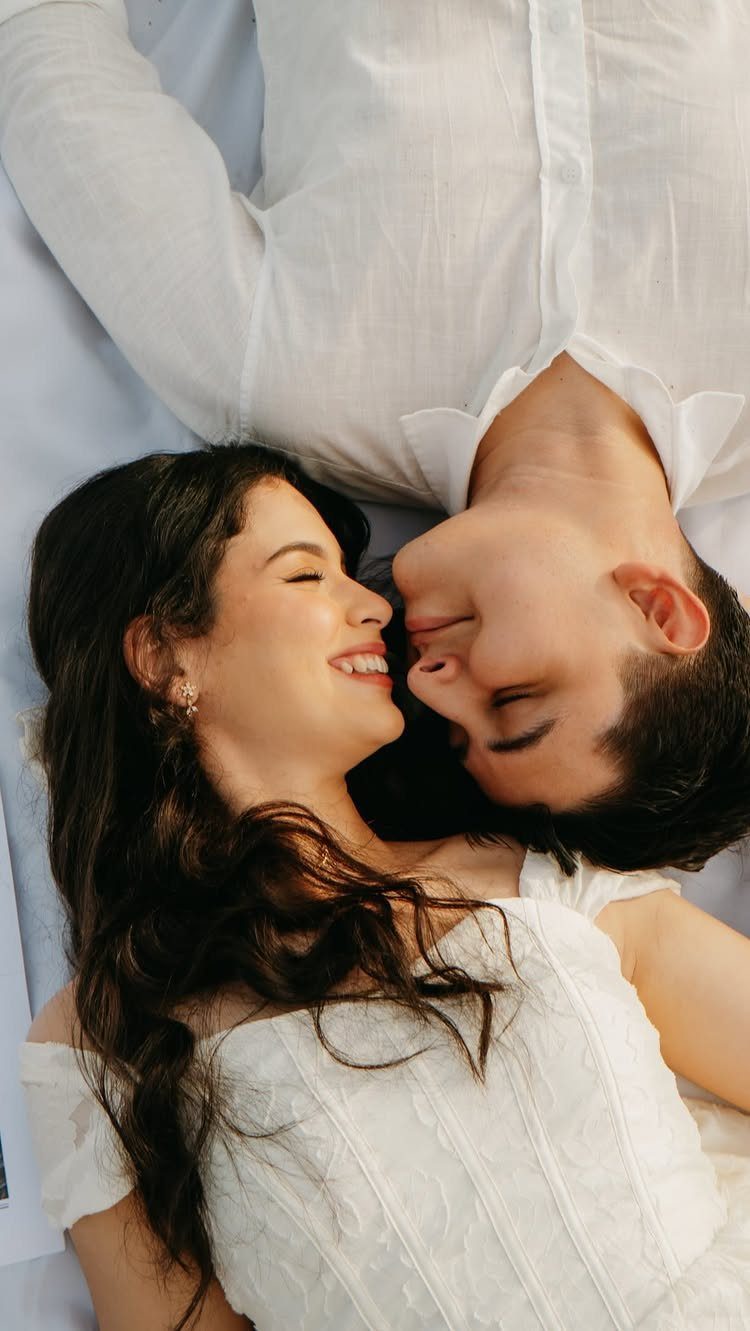
White clothes on a white backdrop leave nothing to distract from your faces, which makes this the cheapest setup on the list.
A bedsheet or a roll of white fabric on the floor, with a bright window nearby, is the whole studio.
Film from directly above while you lie head-to-head, and keep the smiles going for the full clip. The clean background also gives you plenty of space for date text, so editing stays simple.
7. Custom Newspaper Announcement Prop
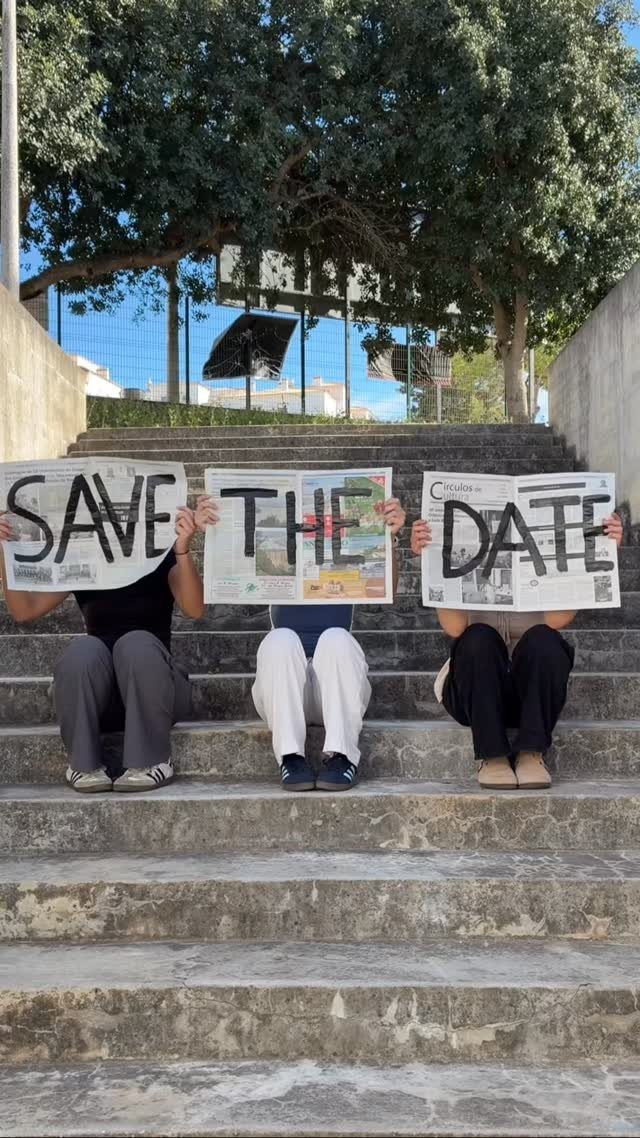
Spelling the message with newspaper pages turns the words into a prop, so the video needs no text overlay at all. Each person holds one page, and the three of you read left to right as the clip plays.
Make the letters big and dark enough to read from a few feet back.
Have everyone hold their page steady for a few seconds, then lift it in turn so the phrase builds. Print the pages at home to keep the cost low; there is no editing to learn.
Add your date on one more page if you want it spelled out on screen.
Video Sharing Options
Export as MP4 if the video goes out by email or text, and keep the GIF for a short looping clip. A shareable link works best for guests who may not open large attachments.
Copying the embed code onto your wedding website gives everyone one place to find the date later.
Social media is the fastest route, but a post can miss older relatives, so send a link or an email to anyone who doesn’t scroll.
Export in high quality, then play the file on your own phone before sending it to anyone. Check the date text is readable on a small screen.
Video Creation Tools
Online editors cover the whole job in one browser tab, so you can skip learning complex software. Both VEED and FlexClip offer free templates, stock music and animated text, which is plenty for a short clip.
If you filmed your own footage, I would pick VEED. It has a built-in prompter for recording an announcement and AI audio cleanup, which helps with wind or room echo.
FlexClip suits a photo-heavy video. It lets you adjust frames, overlays, effects, playback speed and background music, and its text boards hold your date, names and guest names.
Whichever you choose, start from a template and change only the text and music. That keeps a deadline-driven project from turning into an all-night edit.
Emotional Engagement
A moving clip carries your voices, laughter and faces, which plain text on a card cannot. Guests tend to remember it longer and respond to it more.
Use that on purpose. Keep the clip short, put the date on screen long enough to read twice, and end on a moment where you are both smiling.
Pick music that sounds like you as a couple, not whatever is trending. A familiar song your guests connect with the two of you will land harder than a generic track.
Frequently Asked Questions
How do I make a save the date video?
Start from a template in an online editor like VEED or FlexClip, then swap in your own footage or photos, text and music. Export when it looks right.
Swapping in your own names, date and song on a ready-made template means the video gets done in an evening, and the free templates in both tools come with stock tracks and animated lettering already built in.
What is a video save the date prompt?
It’s a built-in prompter, such as the one in VEED, that shows your announcement script on screen while you record. It helps you deliver the message smoothly without memorizing it.